
Start a List. Share One Link.
Free for all devices. No account setup required.
Pingwish is a simple place to gather the things people need — supplies for a class, kit for a course, donations for a shelter, gifts for an occasion — into one list. Everyone opens the same link in a browser, sees exactly what's on it, and marks what they're taking care of.
There are two ways to use Pingwish lists — pick the one that fits your situation:
Needs & Wishes List
Gather the supplies a cause needs or the wishes for an occasion, and share one link. Donors, family or friends reserve what they'll give or bring, so nothing arrives doubled. Or keep it private, just for yourself.
- Shelter / Charity
- Class / Group Party
- Birthday
- Wedding
- Baby Shower
- Just for Me
Reference List
Publish the supplies needed for a class, course or activity as a shareable reference. Put the link on your course page or send it in your welcome email — anyone who opens it can view the list, or copy the whole thing into their own list to shop from. Great for teachers and course leaders.
- Art Class
- Sports Kit
- Kindergarten List
- Course Supplies
- Workshop
How it works
Drop a link, a photo, or a screenshot of an item you want on the list — we extract all the details for you automatically.
Upload your own cover photo and pick a colour theme to set the mood in seconds.
No app, no account, no sign-ups. Anyone you send it to opens your list instantly in their browser.
Featured Hobbies
Want to see what a finished list looks like? Browse our hobby starter setups — complete, ready-to-use lists built with the same tool. Open one, copy it into your own list, and make it yours.
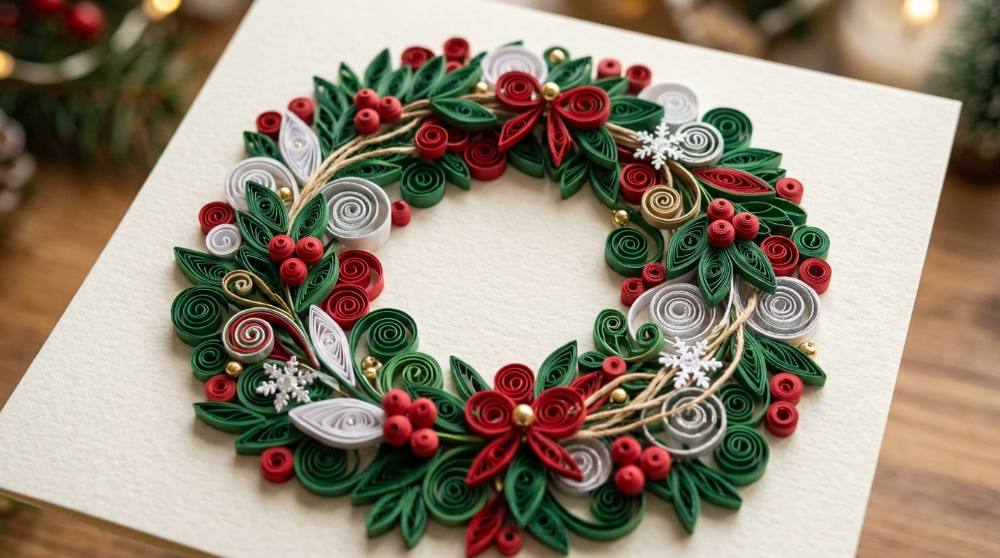
Paper Quilling for Beginners: Coil Your First Christmas Card
Roll a thin strip of paper around a tool, let go, and watch it spring into a perfect coil — that's the whole trick, and it's oddly hypnotic. By the weekend you'll have a tray of snowflakes and tiny wreaths ready to glue onto cards and ornaments for Christmas.

Sew Your Own Christmas Ornaments From Felt Sheets
Cut a wool-blend felt shape, whip a blanket stitch around the edge, stuff it, and hang it on the tree — by the second ornament your stitches are already even. This is the cosiest way to spend a December evening, and every finished stocking or star is something you actually get to give or keep.

Make Your First Door Wreath This Christmas
A bare wire frame, a bundle of greenery, and an hour by the kitchen table turn into the thing that greets everyone at your door all December. Wreath making is quick to learn, forgiving of wonky first attempts, and gives you something finished to hang the same afternoon you start.
 Frequently Asked Questions
Have a question, suggestion, or idea to make things better? We'd love to hear from you!