
Start a List. Share One Link.
Free for all devices. No account setup required.
Pingwish is a simple place to gather the things people need — supplies for a class, kit for a course, donations for a shelter, gifts for an occasion — into one list. Everyone opens the same link in a browser, sees exactly what's on it, and marks what they're taking care of.
There are two ways to use Pingwish lists — pick the one that fits your situation:
Needs & Wishes List
Gather the supplies a cause needs or the wishes for an occasion, and share one link. Donors, family or friends reserve what they'll give or bring, so nothing arrives doubled. Or keep it private, just for yourself.
- Shelter / Charity
- Class / Group Party
- Birthday
- Wedding
- Baby Shower
- Just for Me
Reference List
Publish the supplies needed for a class, course or activity as a shareable reference. Put the link on your course page or send it in your welcome email — anyone who opens it can view the list, or copy the whole thing into their own list to shop from. Great for teachers and course leaders.
- Art Class
- Sports Kit
- Kindergarten List
- Course Supplies
- Workshop
How it works
Drop a link, a photo, or a screenshot of an item you want on the list — we extract all the details for you automatically.
Upload your own cover photo and pick a colour theme to set the mood in seconds.
No app, no account, no sign-ups. Anyone you send it to opens your list instantly in their browser.
Featured Hobbies
Want to see what a finished list looks like? Browse our hobby starter setups — complete, ready-to-use lists built with the same tool. Open one, copy it into your own list, and make it yours.
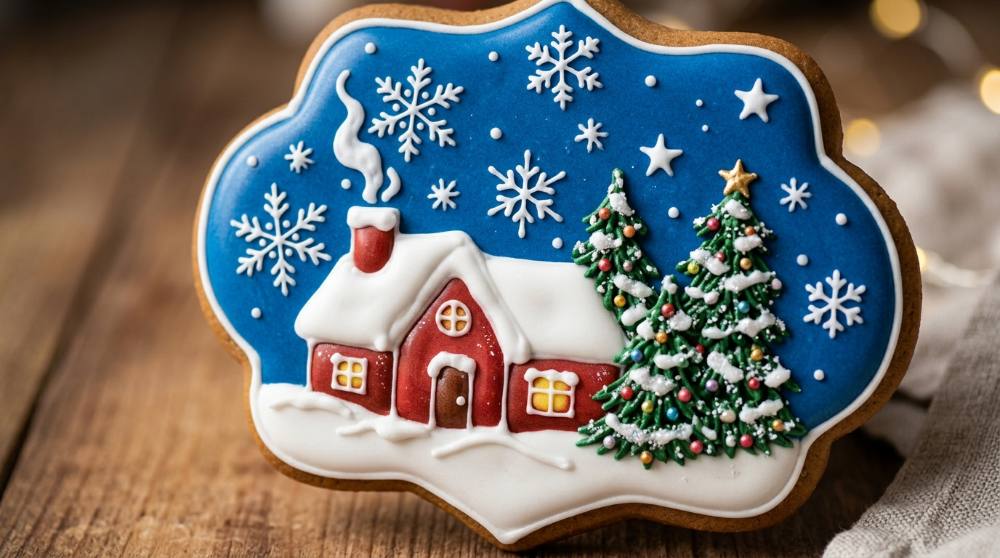
Royal Icing Cookies: Outline, Flood, and Pipe for Christmas
A plain cookie becomes a tiny canvas the moment you outline it and flood it with color. Royal icing dries hard and glossy, which means your snowmen and stars can be stacked in tins, mailed to grandparents, or piled on a plate under the tree without smudging. It's precise work, but the first wobbly line still looks like a Christmas cookie.
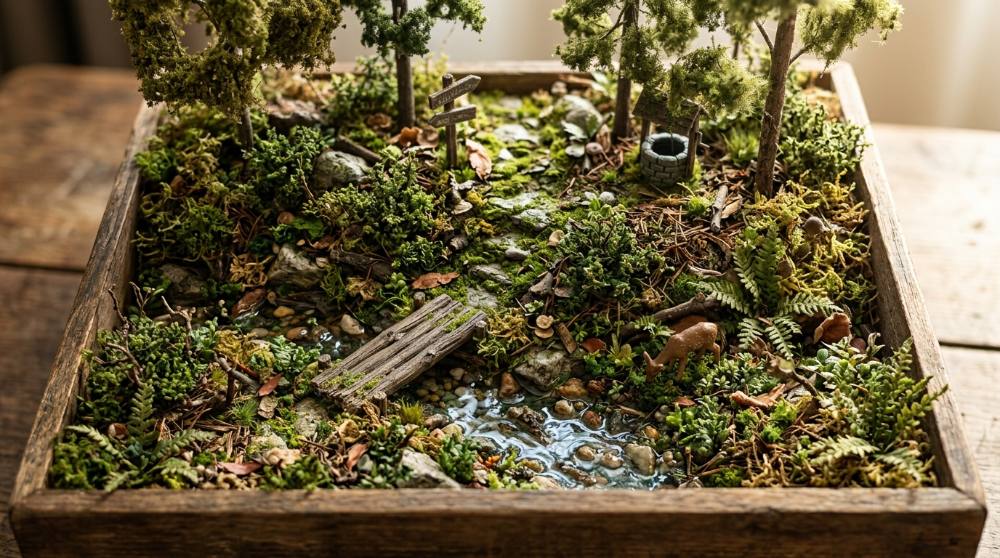
Diorama Building: Whole Scenes Built to Scale
A diorama lets you build an entire moment — a forest floor, a tiny street corner, a desert dune — inside a box you can hold in two hands. It borrows techniques from miniature-making but gives you a full scene to stage, not just a single room.
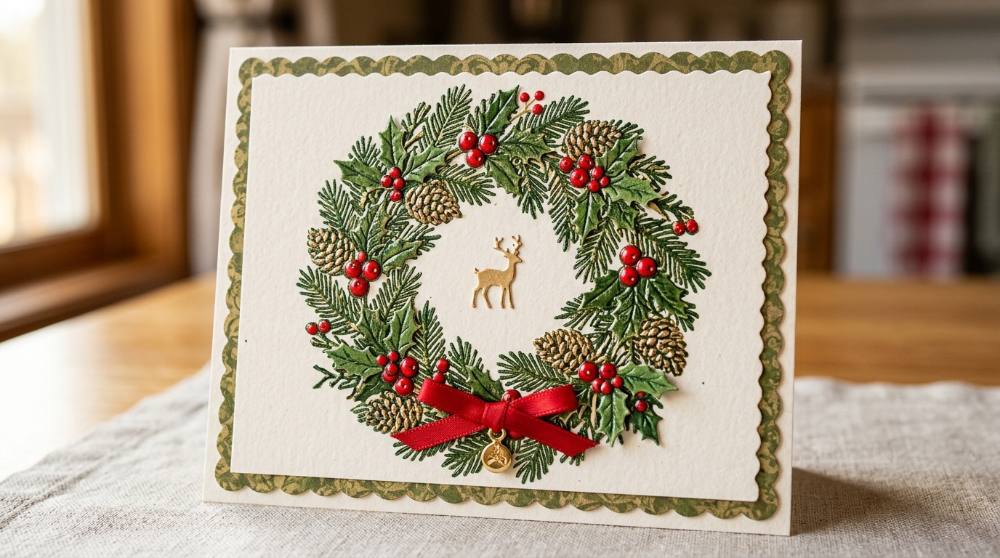
Make Your Own Christmas Cards: Stamping, Embossing, Dies
Stamp a wreath, dust it with embossing powder, melt it glossy under a heat tool, then layer it onto cardstock until it looks like it came from a boutique — that's a Christmas card made in an evening at your kitchen table. It's the paper craft where a handful of tools turns into dozens of one-of-a-kind cards, gift tags, and tree ornaments before the holidays even arrive.
 Frequently Asked Questions
Have a question, suggestion, or idea to make things better? We'd love to hear from you!